Developer/Javascript Sdk
Overview
Introduction
Fat Zebra provides a Javascript SDK named fatzebra.js that enables merchants to access features including:
- 3DS2
- iFraming Hosted Payments Page via Javascript
- PayPal checkout flow
Authentication
Each feature accessible via fatzebra.js requires OAuth authentication whereby merchants obtain an OAuth access token for each payment session required. Refer to Obtain an OAuth token for more details.
SDK source
| Environment | URL |
|---|---|
| Staging | https://cdn.pmnts-staging.io/sdk/v1/fatzebra.js |
| Sandbox | https://cdn.pmnts-sandbox.io/sdk/v1/fatzebra.js |
| Production | https://cdn.pmnts.io/sdk/v1/fatzebra.js |
Mastercard Click-To-Pay Action Sheet
Installation:
CDN:
| Environment | URL |
|---|---|
| Staging | https://cdn.pmnts-staging.io/sdk/v1/fatzebra.css |
| Sandbox | https://cdn.pmnts-sandbox.io/sdk/v1/fatzebra.css |
| Production | https://cdn.pmnts.io/sdk/v1/fatzebra.css |
NPM
npm i @fat-zebra/sdkthen import the stylesheet
@import '@fat-zebra/sdk/dist/fatzebra.css';These are the classes and id's required to display MasterCard's recommended action sheet for click-to-pay.
  <main class="main-container" id="mainContent">
    <div class="checkout-button-wrapper">
    <button type="button" id="checkoutButton">checkout</button>
    </div>
    <div class="iframe-container slide-in" id="iframeContainer">
    <div class="iframe-foreground">
      <iframe class="iframe-checkout" id="checkoutIframe" name="checkout-iframe"></iframe>
    </div>
    <div class="iframe-background" id="iframeBackground" />
    </div>
  </main>
This will render:
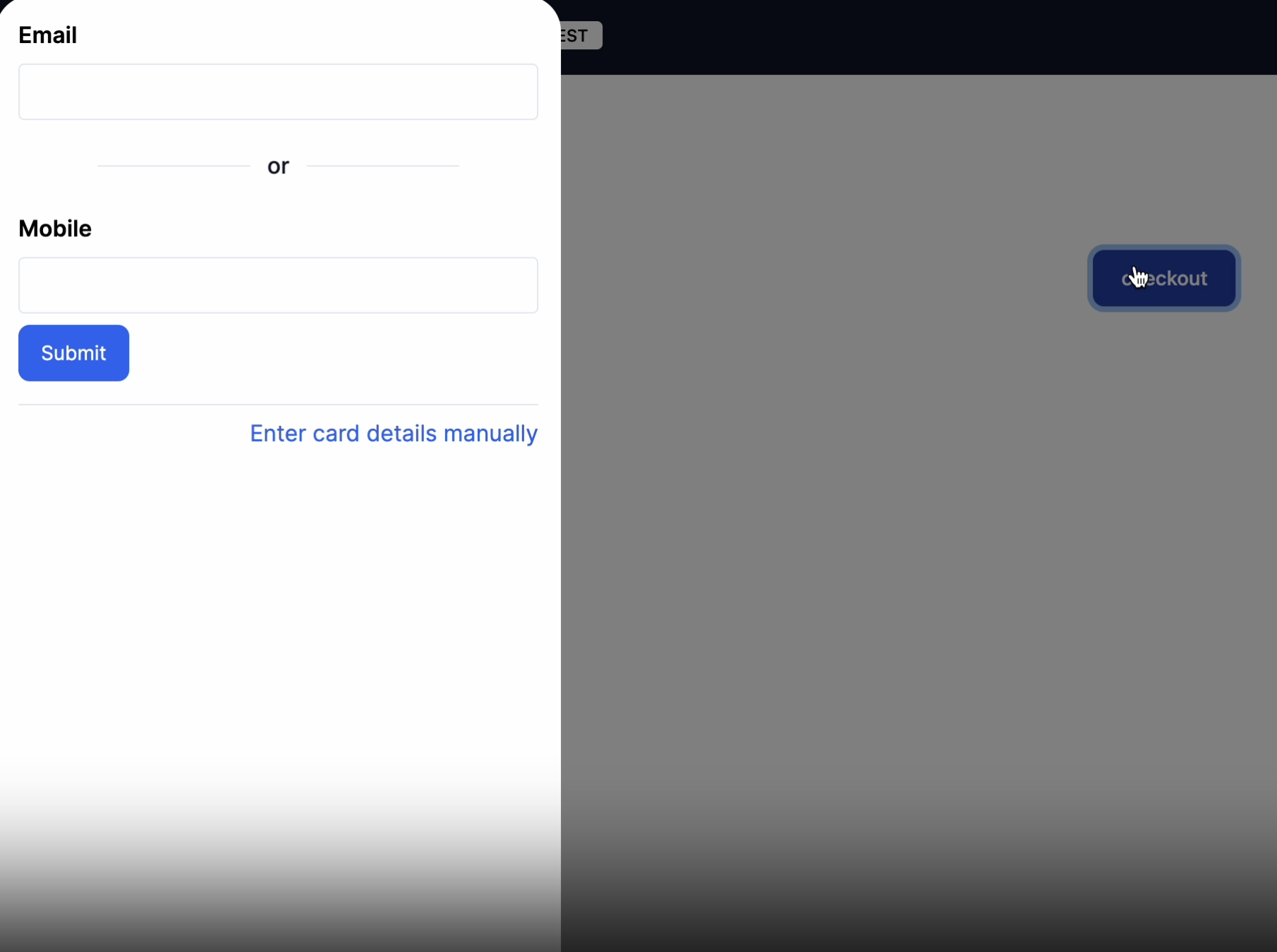
on Desktop an animated side bar:
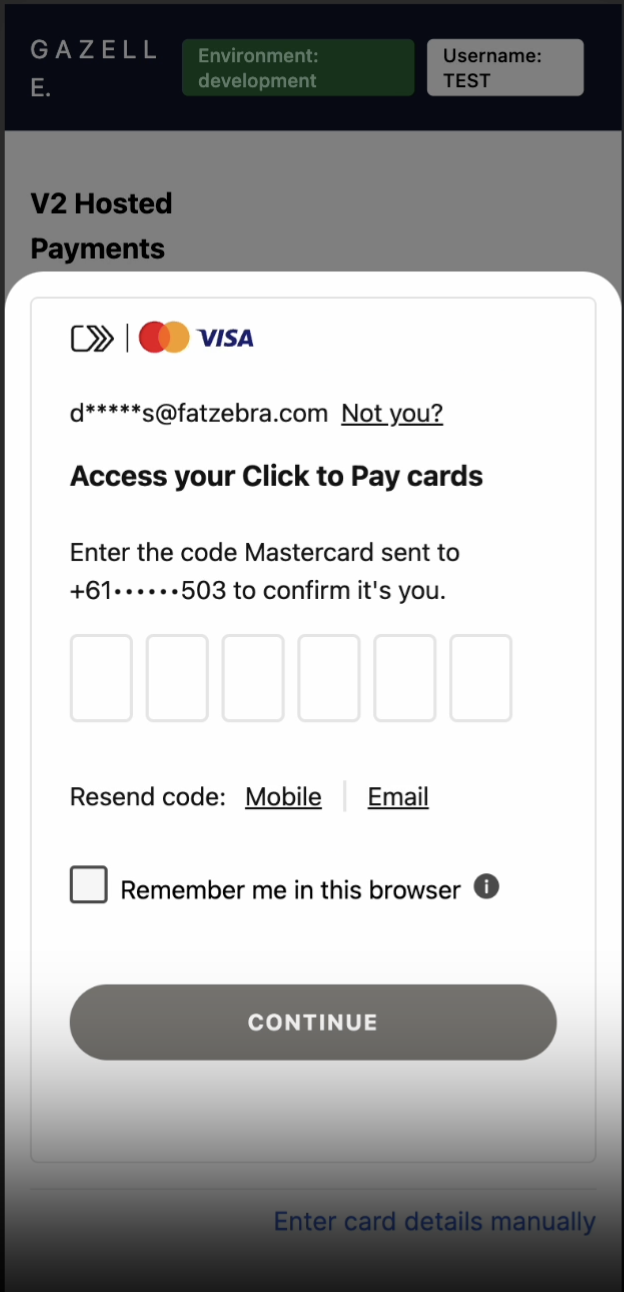
on Mobile an animated action sheet:
For further reference: