Payment Links
Want to use Payment Links?
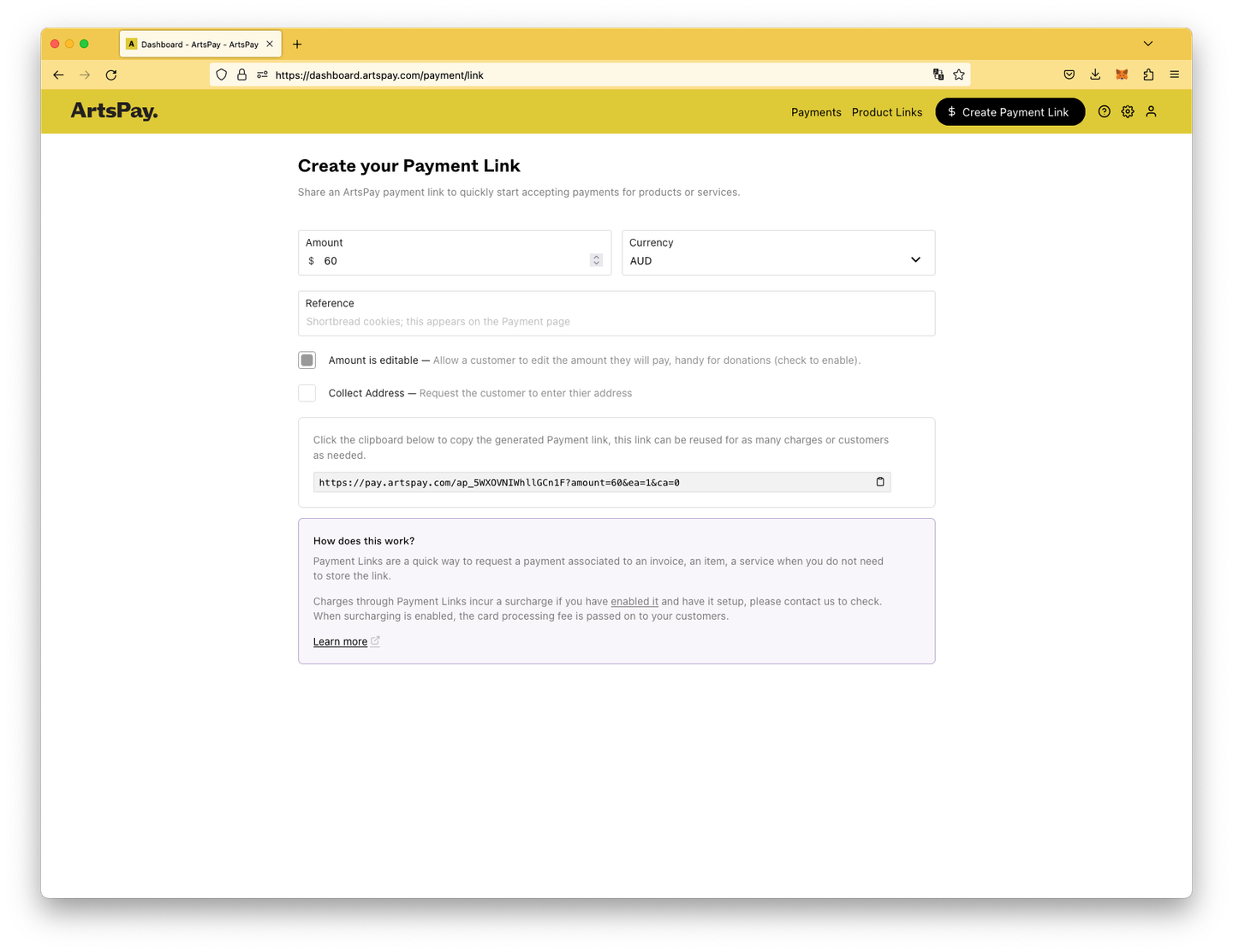
Payment Links are a quick way to request a payment associated to an invoice, an item, a service when you do not need to create a product or service that is ongoing. Perfect for a one-off payment.
Use Payment Links by sending a link to customers by email or SMS, track payment status, and optionally connect to tools like Harvest to streamline invoicing and reconciliation.
Payment Links Integration
You can choose to connect your Payment Links with Harvest.
Harvest
Connect your ArtsPay account to your Harvest account and give your customers the option to pay your invoices with a credit card immediately.
As a complete integrated payment services, currently Harvest only supports PayPal and Stripe. However you can very simply generate a URL to include in any of your Harvest email messaging.
Harvest messaging can automatically include dependent information, such as the invoice balance, the invoice issue date, or the invoice due date. A complete list of Harvest variables is available In your Harvest Invoices > Configure > Messages section.