For all ArtsPay merchants, we can provide access to our platform Commerce Control Center where you can find your Transaction, Quick Sales Overview and Funding Records.
Use this guide to find transaction reports, settlement summaries, and monthly statements in the Commerce Control Center.
What you’ll be able to do
Run a detailed transaction search for a specific site/location
Expand a transaction to view deeper processing details (auth/capture/terminal info)
Generate a “Top Sites” settlement summary for a chosen date range
Download monthly statement PDFs
Before you start
Make sure you have access to the Commerce Control Center
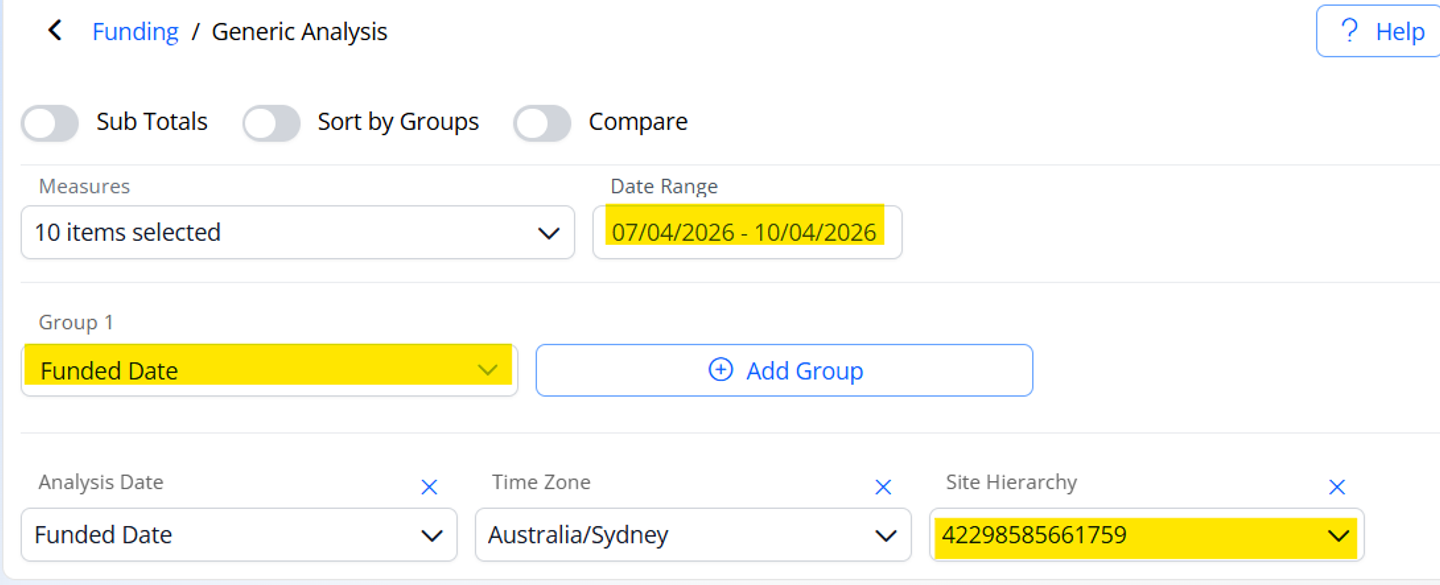
Have your Site ID ready (example: 42298585175553 )
Decide the date range you want to report on (e.g., Last Month )
How to find a Transaction List
Generate a detailed transaction search
In the left menu, click View.
Select Settlement.
Scroll down and open the Search tile.
On the right side, click Add Filters.
Search for Site and select Site Hierarchy(only if you have multiple Merchant IDs (MIDs)).
In the popup:
Enter your Site ID
Click Go
Select the site name
Click Go again to apply the filter
Click Date Range, choose your preferred range (e.g., Last Month), then click Generate.
What you’ll see
A transaction list for the selected site and date range.